Do you need to speed up your Windows 10 computer?
Let’s look at a few things you can do that will help the performance and speed up your Windows 10 computer or laptop. This also applies to Surface Pro’s since they operate the Windows operating system. This 10 items are not the only steps that can be taken, but they usually produce the greatest result. If, after implementing these changes to speed up your Windows 10 computer, you find that your computer is still as slow as before it might be time to consider doing a full back up and re-installation of your Windows OS.
While this may seem like a lot of work it is almost always a guarantee to solve most issues, including the need to speed up your Windows 10 computer. The process usually takes approximately 2 hours. This depends on the amount of data that needs to be backed up. Be sure to format the hard drive to ensure you have a fresh copy of the Windows OS installed. Doing a recover verses and re-installation may cause further slowing issues.
- Remove any “bloatware” that came pre installed on your laptop by following these prompts. Start>>Settings>>System>>Apps & Features
- Limit the programs that can boot with the computer by also following these prompts. Ctrl+Alt+Del>>Task Manager>>Startup Tab>>Disable the programs you don’t want to run by highlighting them and choosing disable
- Remove malware with Malwarebytes. You can download it here.
- Run a good antivirus program such as AVG along with one or more of the malware products such as Malwarebytes.
- Add RAM because his is the biggest bang for your buck in speeding up your computer and it is usually easy to do on both desktop and laptops of any brand.
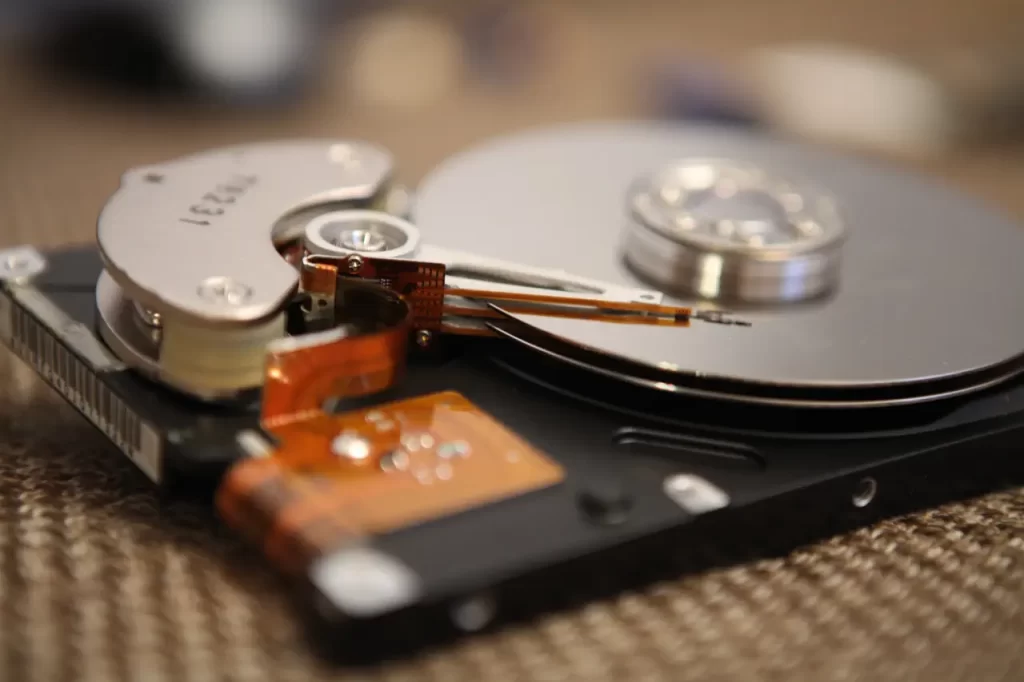
- Consider installing a SSD hard drive. Standard hard drives have moving parts such as a platter and stylus. With an SSD, you have no moving parts to limit the read/write speed.
- On a laptop you need to have your power settings set for maximum performance. Understand there will be an increase to the drain on your battery, but you will be able to work much more efficiently when you speed up your Windows 10 computer.
- If you have problems only while you are on the internet with a browser, facebook app, or twitter, etc., but not when you are writing a document or working in a spreadsheet, check your internet speed at Speak Easy because it appears to be an internet issue.
- Turn off live tiles. On your start menu, right-click each tile that you don’t want and choose to remove it.
- Turn off Cortana and make sure your privacy settings are providing you with some privacy so information is not continually being sent out from your laptop.
These tips will make for a good start to speed up your Windows 10 computer. If your computer is over 5 years old and you got caught up in the Windows 10 upgrade, even if you did not intend to do so, consider investing in a new computer with greater hardware power. This task may seem daunting. If so, please feel free to Call us today if you need help or advice at 770-674-4644.